How the vehicle upload process works
Curious what it's actually like before you sign up? Here's the full process, start to finish — from your welcome email to your monthly confirmation receipt. Every screenshot below is exactly what you'll see, whether you're checking this out or already a dealership partner.
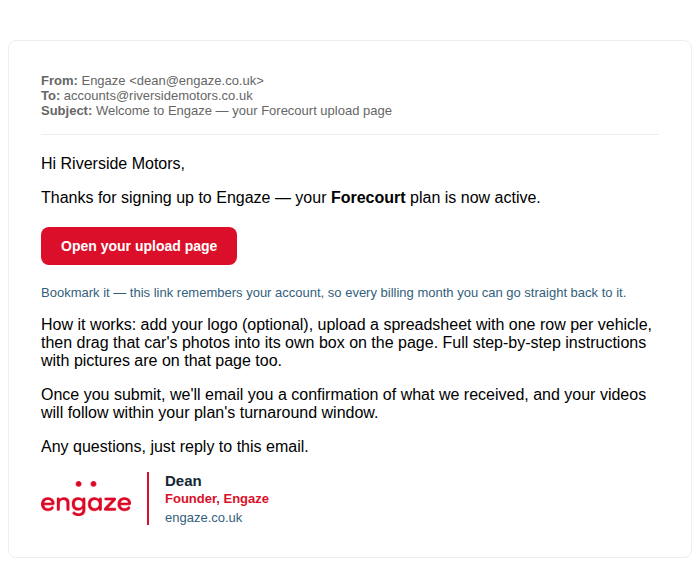
You'll receive a welcome email
The moment your first payment clears, you'll get this — sent automatically, straight to your inbox.
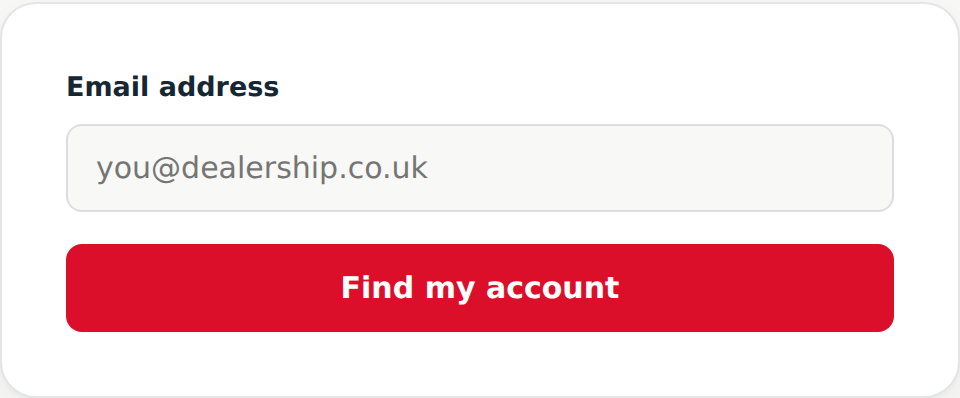
Open your link
First time only — after that, every email we send logs you straight in, no password to remember.
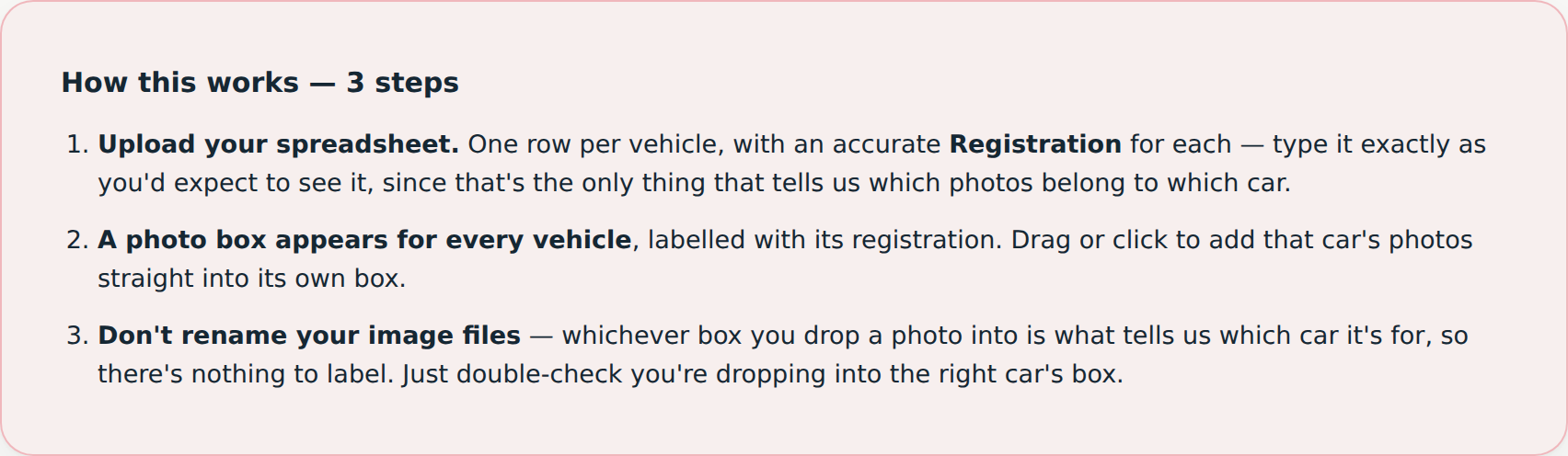
Your dashboard
You'll see your order details up top and a plain-English 3-step explainer of exactly how the upload works.
Add your logo
Optional — upload yours and it'll appear in the intro/outro of every video that month.
Upload your spreadsheet, drop photos per car
One row per vehicle. A photo box appears for each car — just drag its photos in. No file renaming needed, since whichever box you drop a photo into is what tells us which car it's for.
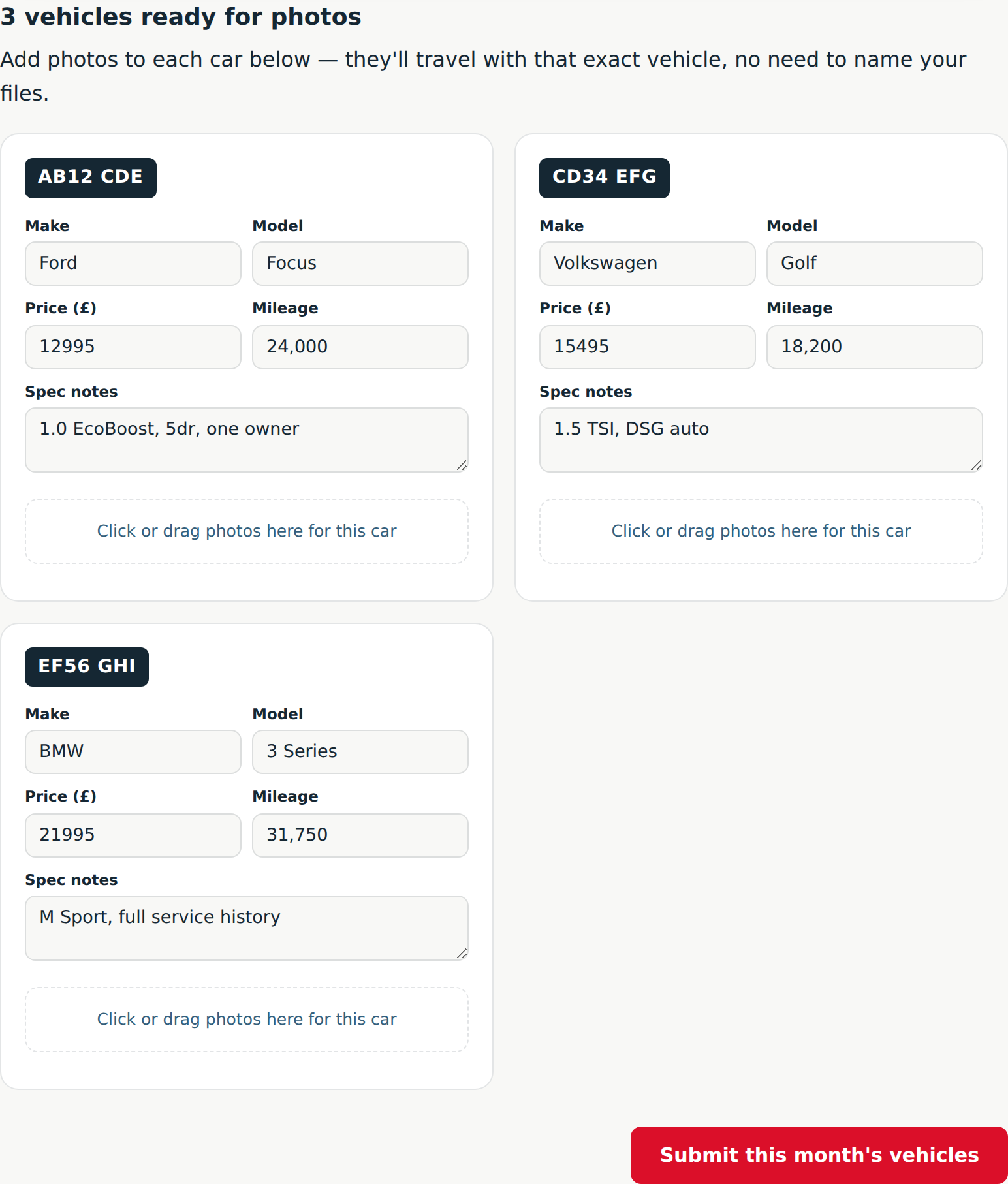
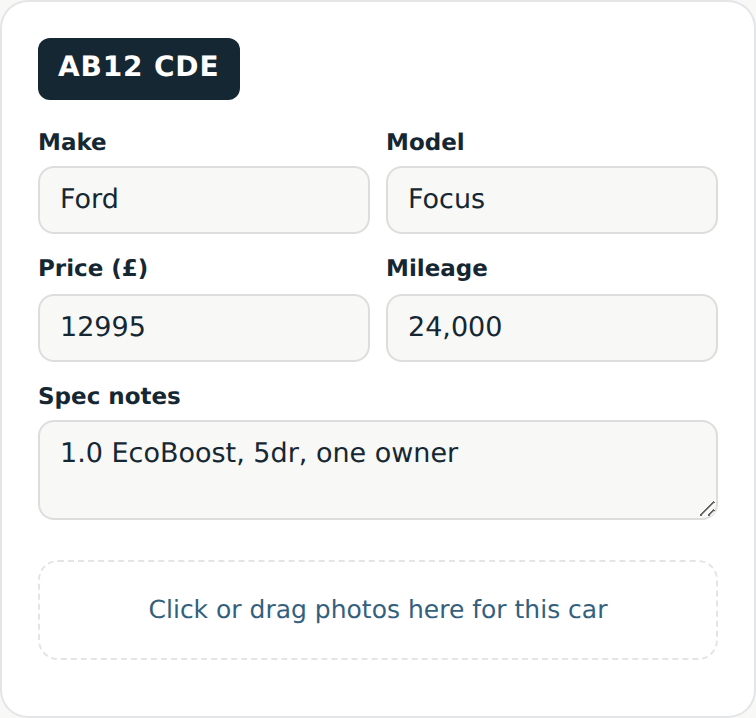
- Only
.csvfiles — comma, semicolon, or tab-separated are all auto-detected (Excel set to UK/EU export is fine). - A stray byte-order-mark at the start of the file is stripped automatically.
- Your registration column can also be named:
Reg,Number Plate,VRM,Car Reg,Vehicle Registration. - Also recognised: Make/Brand/Manufacturer, Price/Asking Price/Retail Price, Mileage/Miles/Odometer, Spec Notes/Description/Comments.
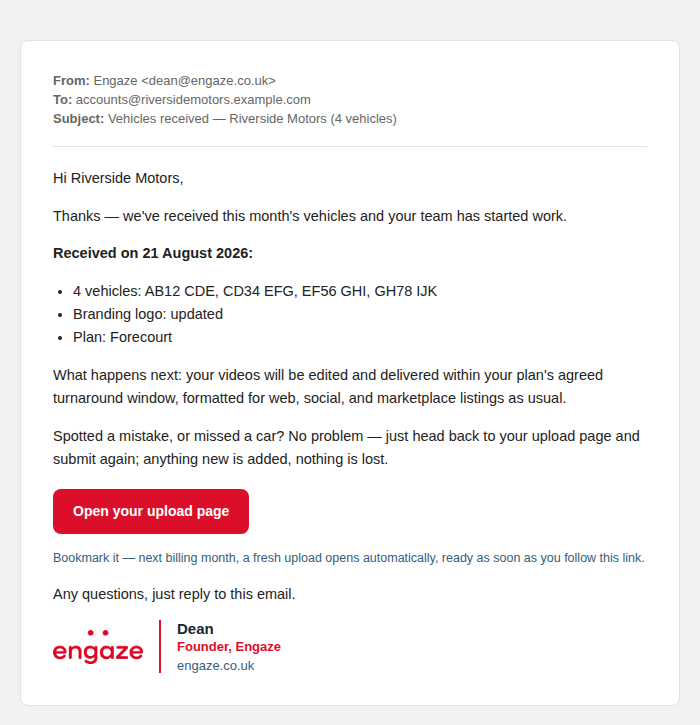
Submit — you'll get a receipt automatically
Our team is notified instantly, and you'll receive a branded confirmation of exactly what came through.

Like the sound of this?
Take a look at our dealership packages — sign-up takes a couple of minutes, and your welcome email arrives the moment your first payment clears.
See dealership pricing