From brief to delivery
Five steps, start to finish — exactly what happens, and every email you'll receive along the way.
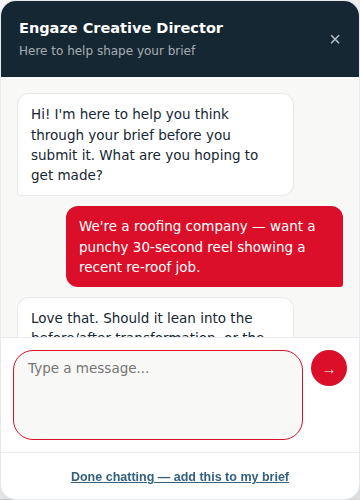
Chat with your Creative Director
Before you write a word, you can talk it through with our AI Creative Director — it asks the right questions and folds the conversation straight into your brief.
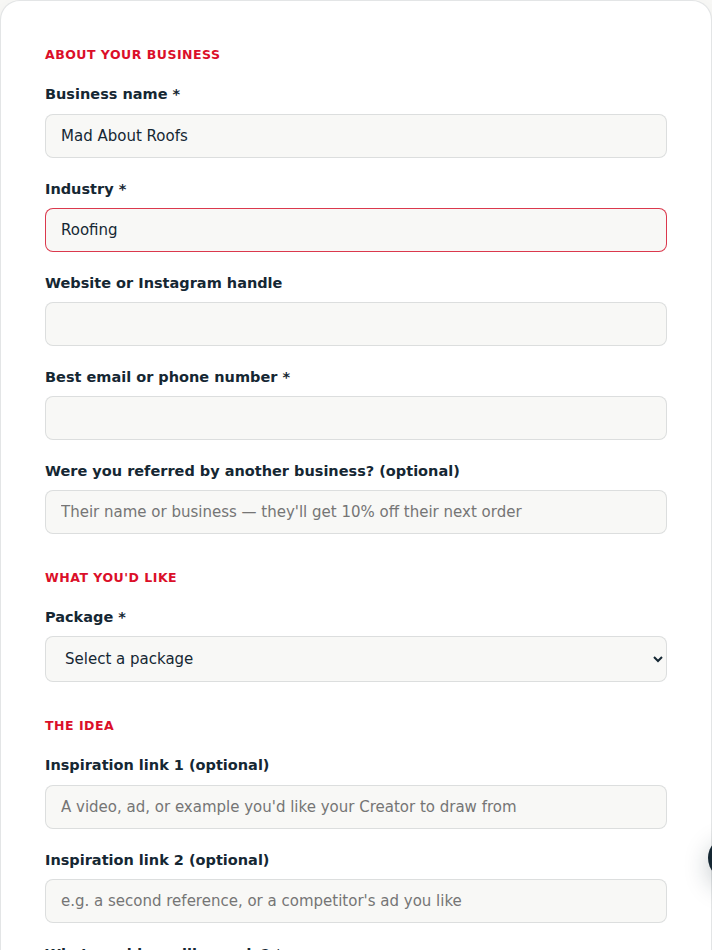
Fill in your brief
Your business, your package, and what you'd like made — as much or as little detail as you want to give.
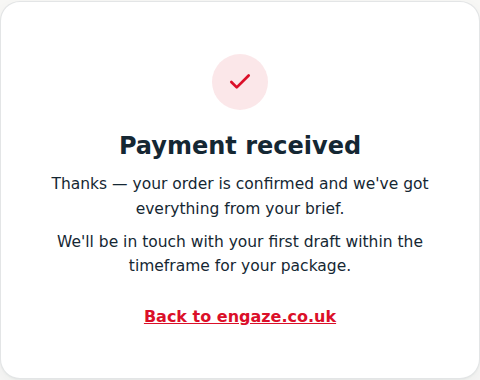
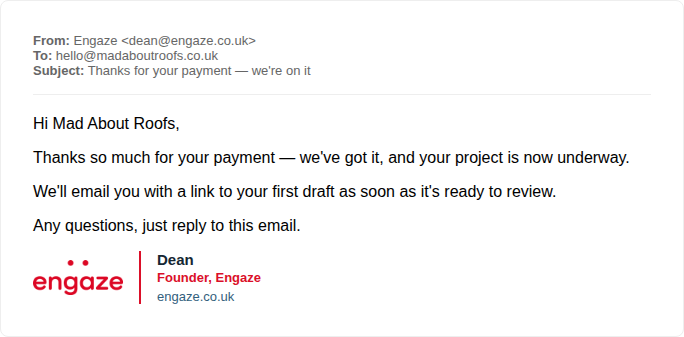
Pay securely, then get confirmation
Submitting sends you straight to Stripe's secure checkout for your package total. Once you've paid, you land back on our site — and a confirmation email follows.
Review and approve each stage
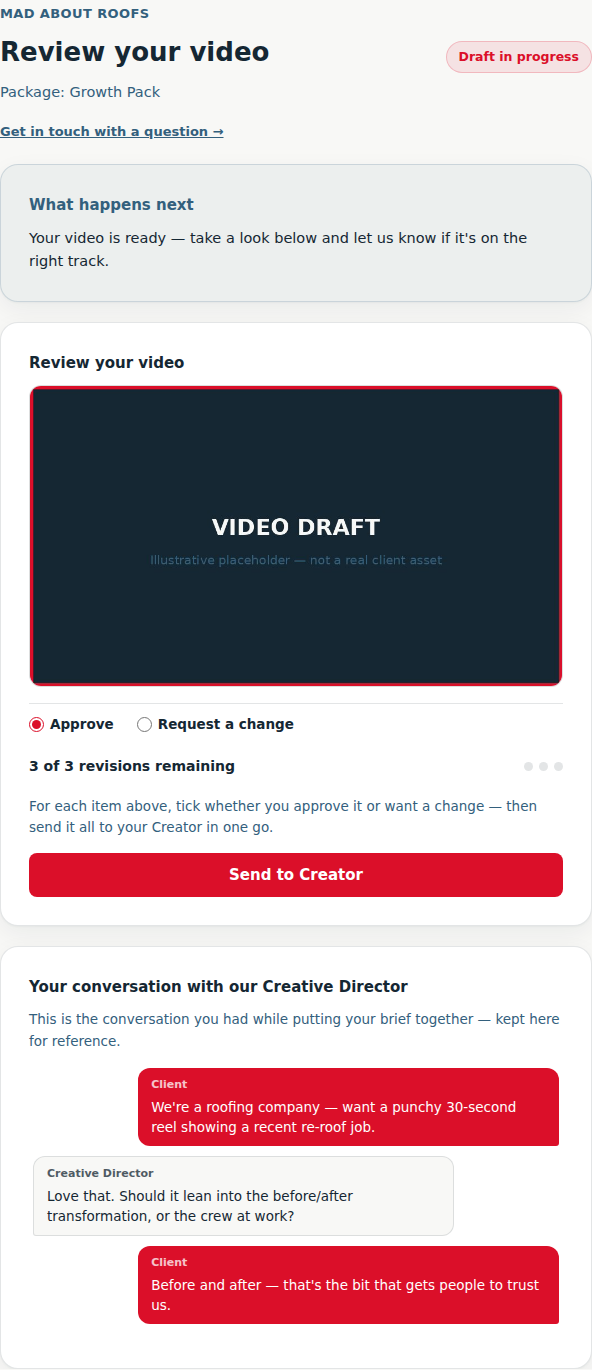
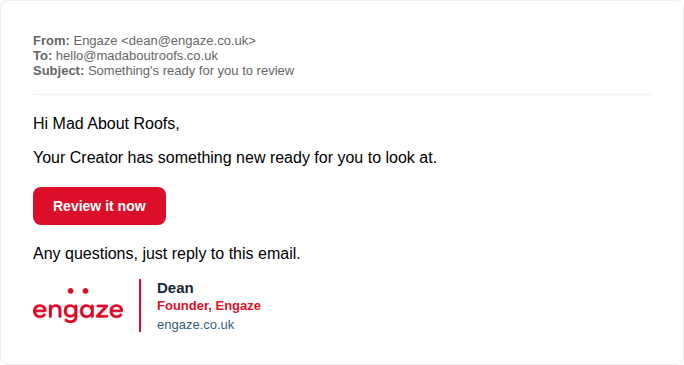
When your Creator has something ready, you'll get an email with your review link. Approve it, or request a change — video and design packages get a few rounds built in. Your Creative Director conversation stays attached for reference.
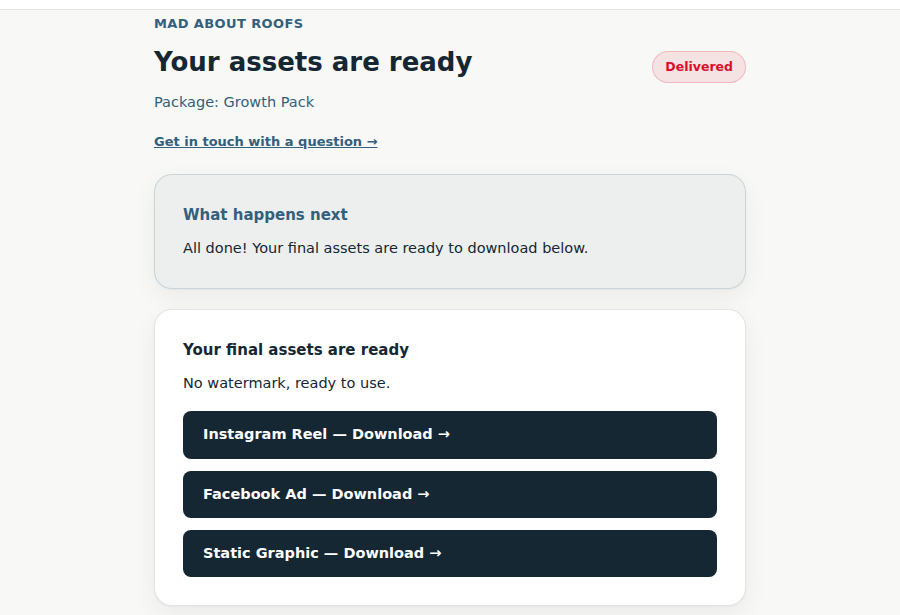
Final delivery
Once you approve the last stage, your finished files are ready — no watermark, yours to download.